

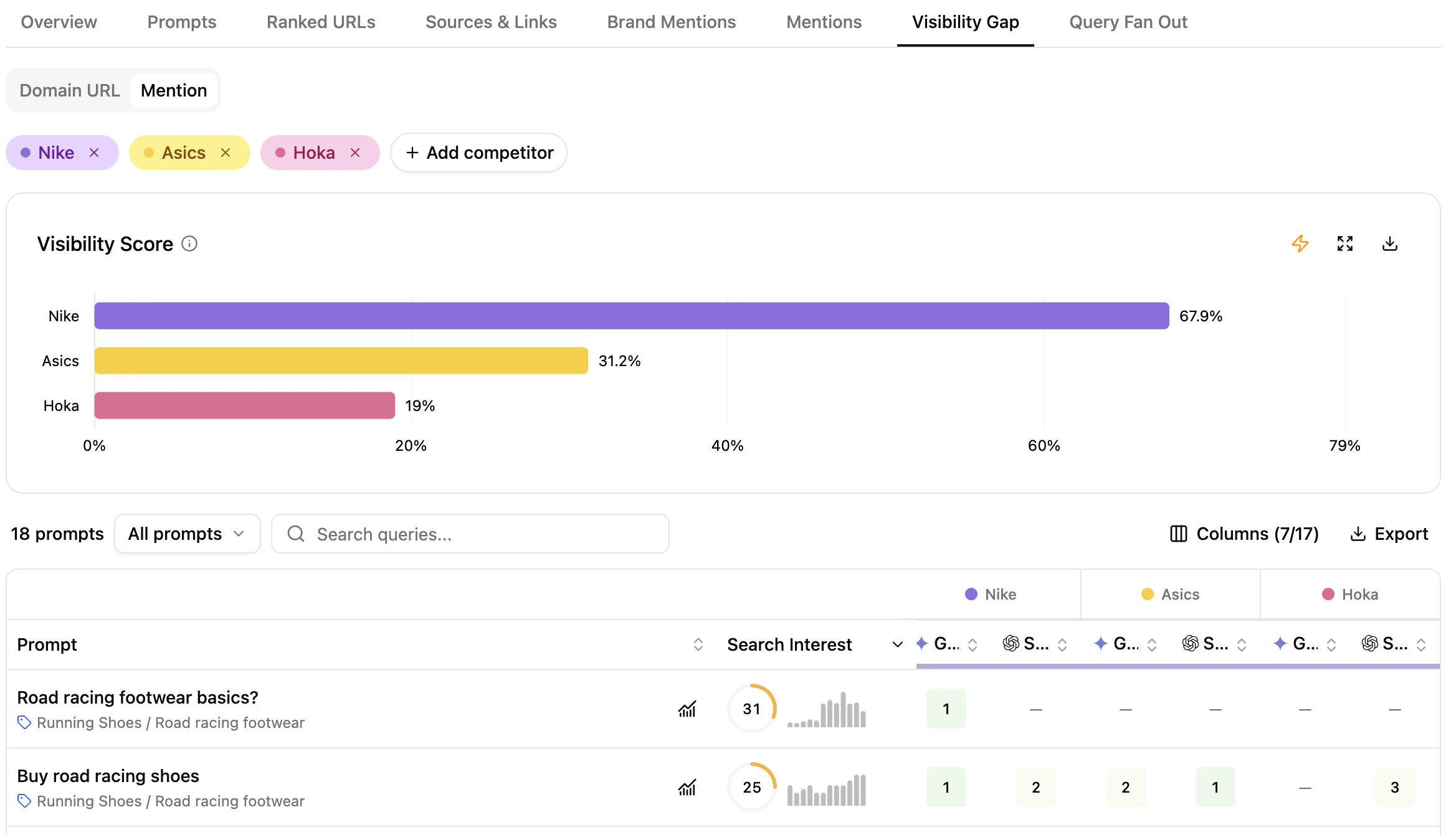
Visibility Gap view
What this view helps you analyse
You get prompt-level comparison of your domain and brand against competitors across both traditional and generative engines.Domain & Brand performance comparison
The module exposes two complementary modes:- Domain URL view — competitor domain positions across engines (similar to Overview).
- Brand Mention view — brand presence across engines, for awareness analysis.
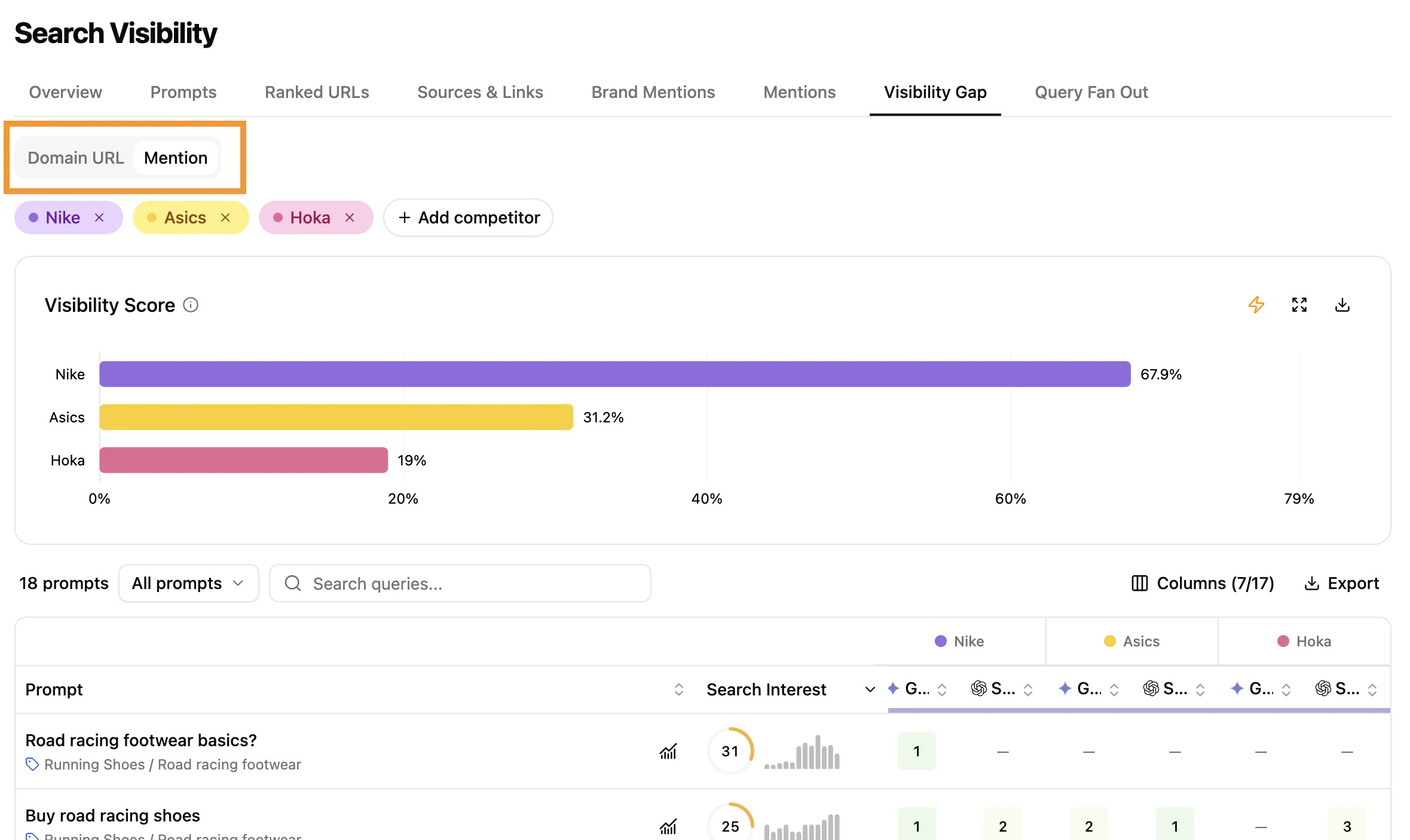
Domain vs Brand view
Compare visibility scores against competitors
The chart spotlights industry leaders and visibility gaps where your domain or brand can improve.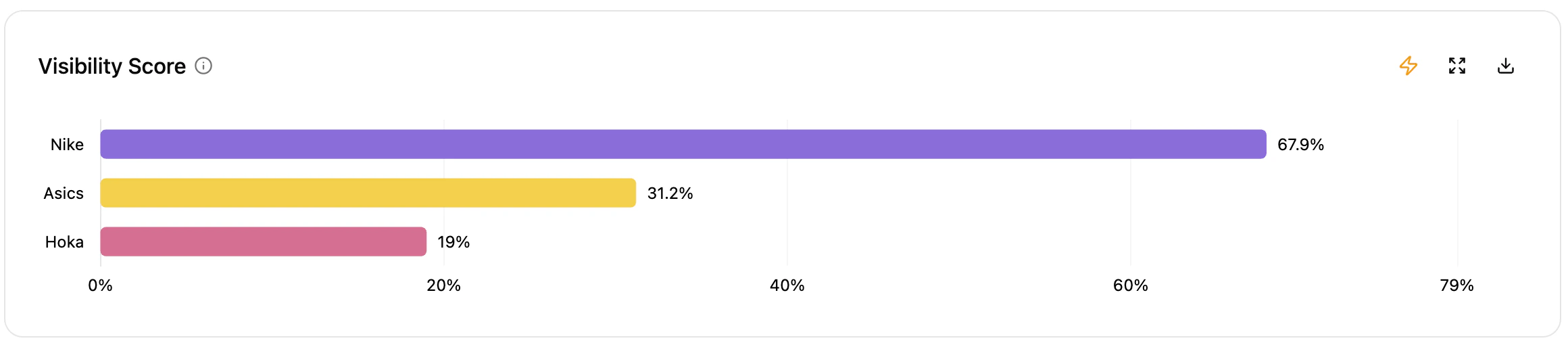
Visibility score comparison chart
Select competitors
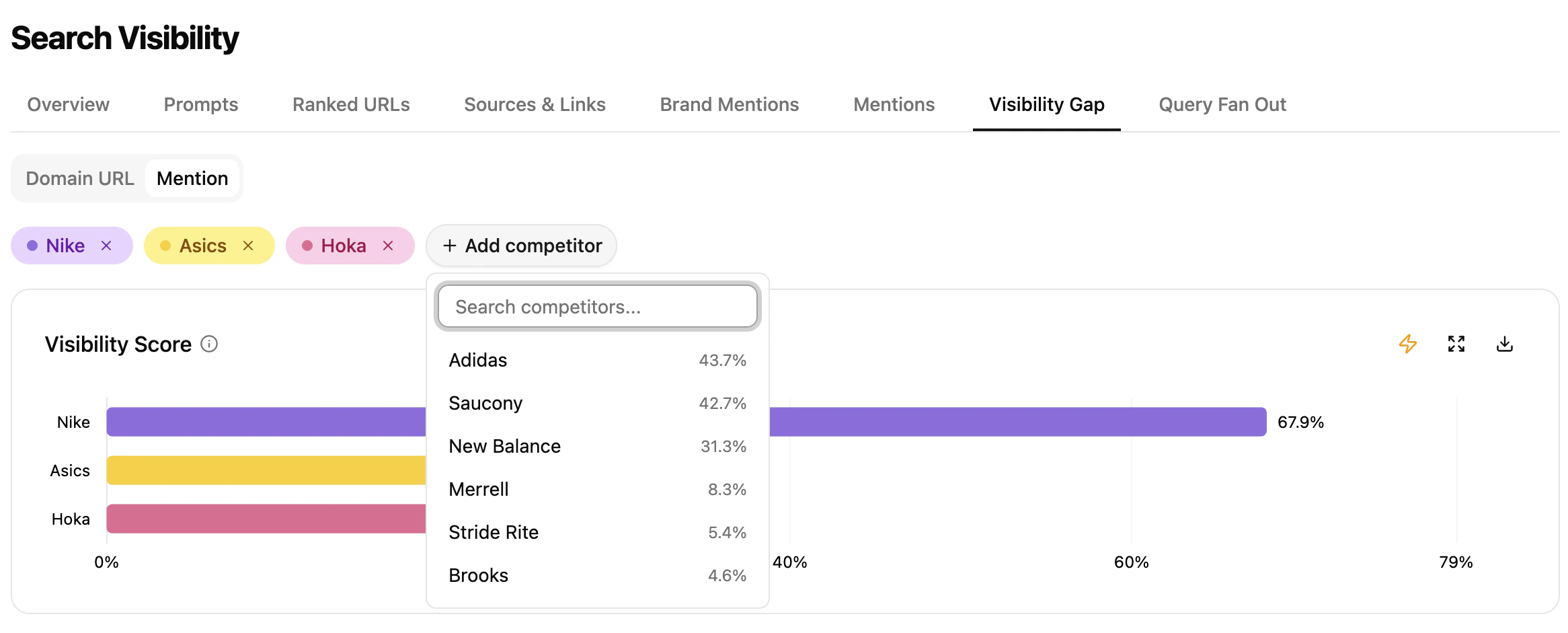
Competitor selection
- Pick up to 4 competitors (brand or subdomain) from the dropdown.
- Remove and add competitors freely — the data updates instantly.
Prompt-level insights across engines and competitors
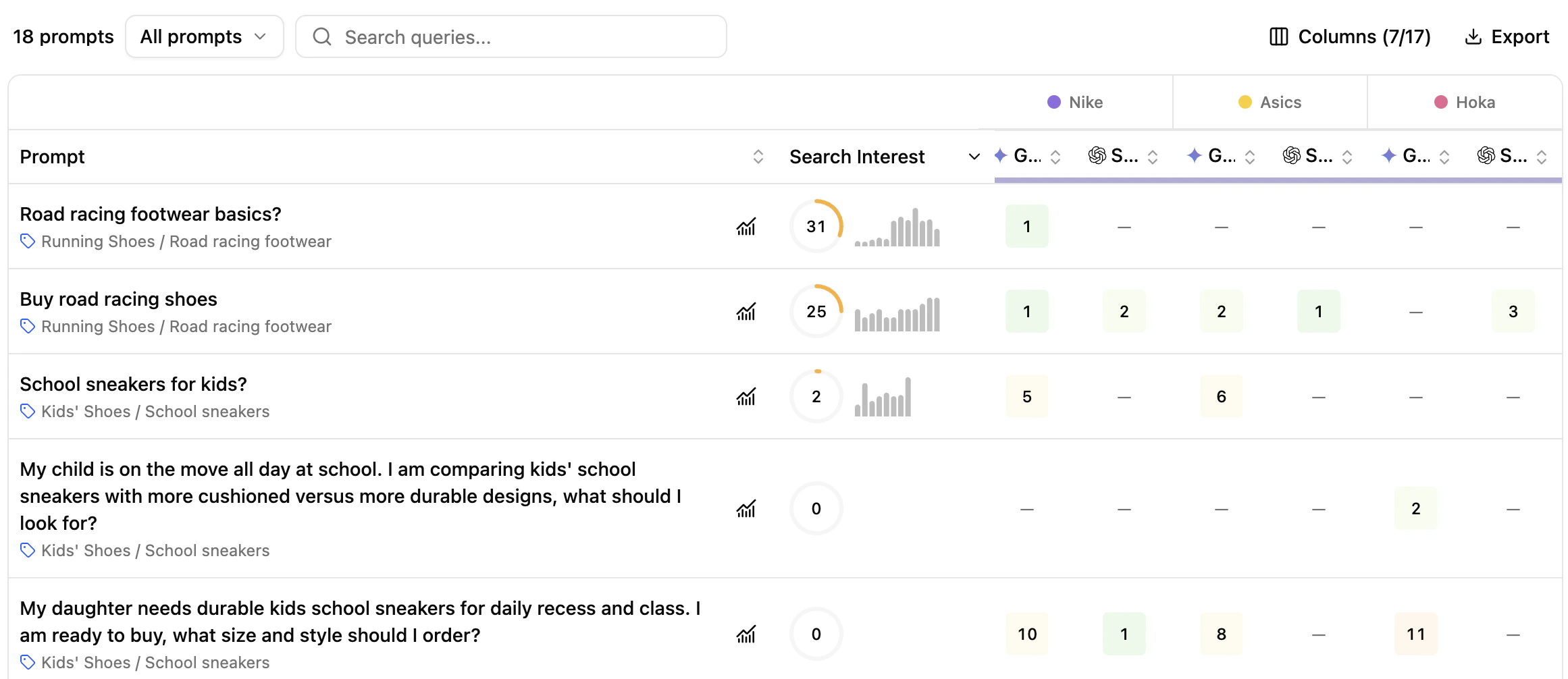
Prompts table
- Prompt — tracked prompts with search type (Generic / Brand) and intent (Navigational, Informational, Commercial, Transactional).
- Search Interest — score based on Google Ad Planner search volume of the main keywords, weighted by relevance and 12-month trend.
- Competitors — competitor domains and brand mentions per engine, compared to yours.
- Engines — position across:
- Search engines (Google, Bing) — domain URL only
- AI Overviews (Google AI Overview, Bing AI Overview) — both modes
- Generative engines (Gemini, Perplexity, SearchGPT, Google AI Mode, Claude) — both modes
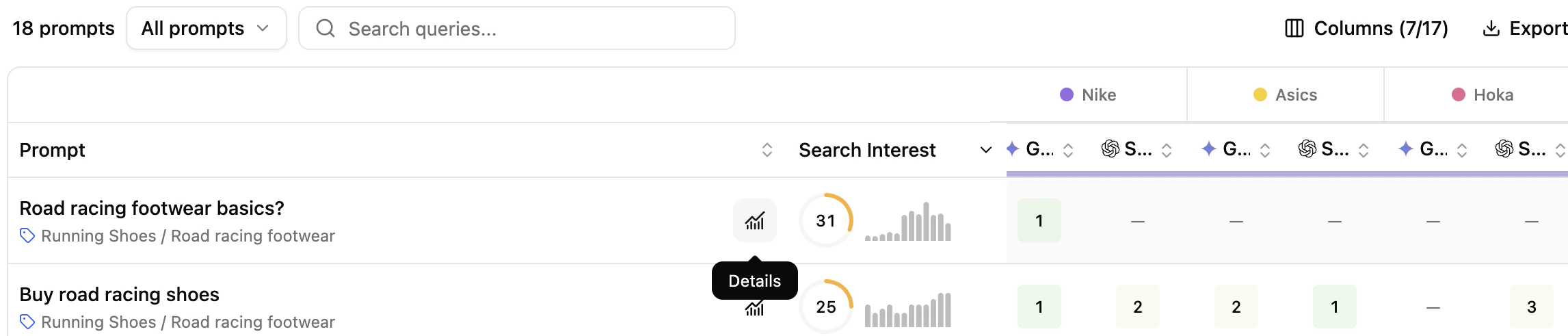
Prompt details side panel
Data aligns with the Prompts tab, so you can track presence and performance across views consistently.
Key benefits
- Visualize where your domain and competitors are positioned, and where brand mentions surface.
- Compare your prompt-level URLs and brand mentions to those of competitors.
- Build a clear picture of your market positioning.
Extra features
Filters- Refine displayed data dynamically — filters propagate to the side panel.
- Export chart as PNG or its data as CSV.
- Expand chart for a larger view.
- Ask Assistant to trigger an automatic analysis of the chart.
- Add/Hide columns for readability.
- Export filtered tables to CSV or Excel.
- Search the table.
- Sort by any column.
What’s next
Brand Mentions
Identify the brands that dominate the space.
Prompts
Drill into prompt-level performance.